Regulatory signs in Minnesota
The Minnesota Driver’s Manual shows or names everything on this page: 23 in all, on pages 57–59, 68.
Independent educational site · not affiliated with any government agency or DMV
Regulatory signs
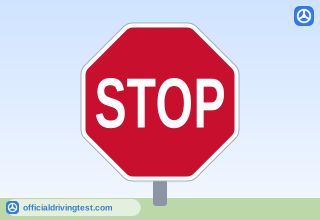
STOP
Come to a complete stop. Remain stopped until pedestrians and vehicles with the right of way have cleared the intersection. Then proceed with caution.
Manual page 57
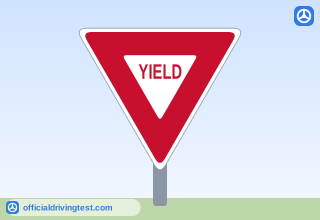
YIELD
Slow down or stop if necessary. Give the right of way to all other vehicles and pedestrians. Wait until it is safe to proceed.
Manual page 57
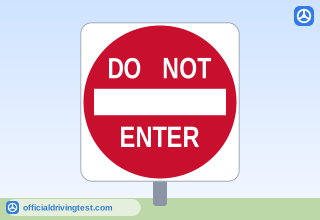
DO NOT ENTER
Do not enter that lane or road if this sign is facing you.
Manual page 57
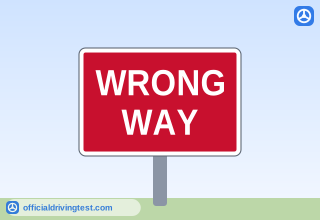
WRONG WAY
You have entered a lane of oncoming traffic. You are traveling in the wrong direction.
Manual page 57
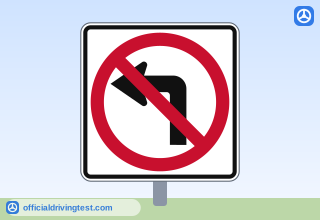
No Left Turn
A red circle with a red slash mark across a symbol indicates that you should not take a certain course of action.
Manual page 57
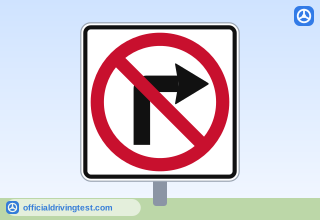
No Right Turn
A red circle with a red slash mark across a symbol indicates that you should not take a certain course of action.
Manual page 57
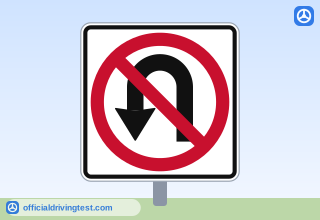
No U-Turn
A red circle with a red slash mark across a symbol indicates that you should not take a certain course of action.
Manual page 57
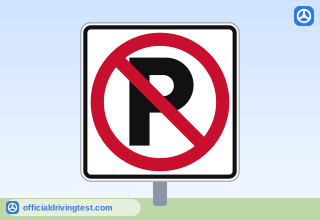
No Parking (P with slash)
A red circle with a red slash mark across a symbol indicates that you should not take a certain course of action.
Manual page 57
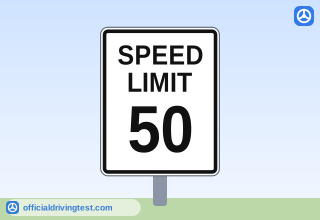
SPEED LIMIT 50
Speed limit signs indicate the maximum speed you may drive on a road.
Manual page 57
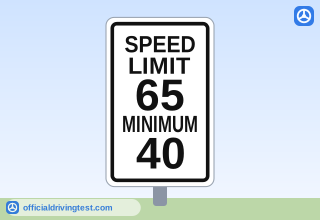
SPEED LIMIT 65 MINIMUM 40
Speed limit signs indicate the maximum speed you may drive on a road. You may also see minimum speed limits on interstate freeways with controlled access. Do not drive slower than the minimum posted limit unless bad weather or poor road conditions make it necessary.
Manual page 57
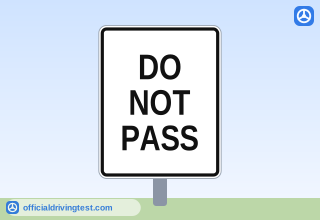
DO NOT PASS
Marks the beginning of a no-passing zone.
Manual page 57
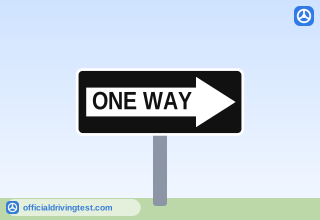
ONE WAY (Arrow)
Traffic in the specified lane flows only in the direction of the arrow.
Manual page 58
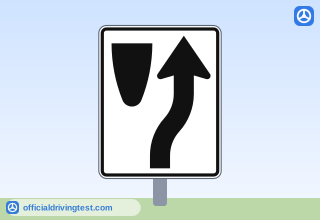
KEEP RIGHT (Island Symbol)
Stay to the right of a traffic island, median or obstruction ahead.
Manual page 58
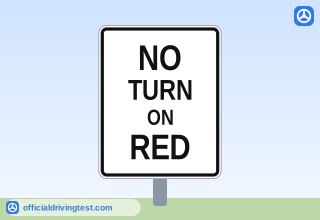
NO TURN ON RED
Wait for the traffic signal to turn green before you turn.
Manual page 58
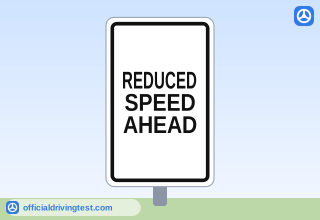
REDUCED SPEED AHEAD
A slower speed limit is posted ahead. Begin slowing down.
Manual page 59
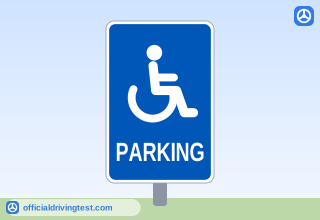
Handicapped Parking
Parking spaces with blue handicapped parking signs are reserved for vehicles with disability license plates or a disability parking permit. If designated disability parking spaces are occupied or unavailable, you may park at an angle and occupy two standard parking spaces if you have a valid disability parking permit or license plates.
Manual page 59
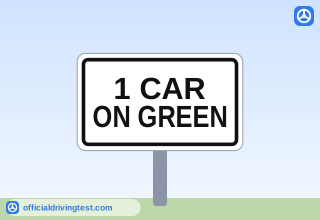
1 CAR ON GREEN
When the ramps are metered, you must take turns entering the highway at the light each time the light turns green.
Manual page 68
Lane-use control signals
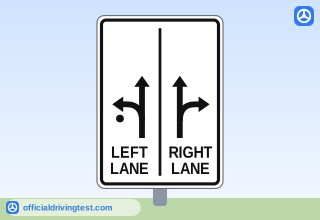
Roundabout Lanes (LEFT LANE / RIGHT LANE)
When approaching a multilane roundabout, get into the appropriate lane well in advance. The signs will show you which lanes to use for different turns. For example, to turn right, get into the right lane only. To turn left, get into the left lane only. The sign shows that you can go straight from either lane.
Manual page 58
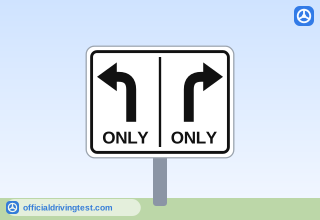
Lane-Use Control: Left ONLY / Right ONLY
You must turn if you are in the specified lane.
Manual page 58
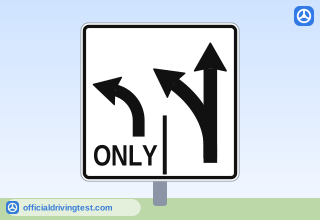
Lane-Use Control: Left ONLY / Straight or Left
Traffic in the right lane may proceed straight ahead or turn.
Manual page 58
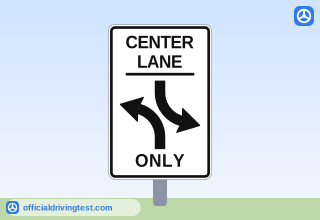
CENTER LANE ONLY (Left Turns Both Directions)
You must share the center lane and use it only for making left turns when traveling in either direction.
Manual page 58
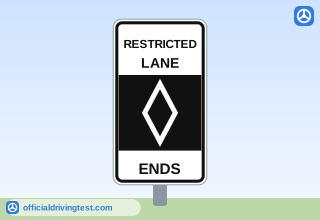
RESTRICTED LANE ENDS
The diamond symbol indicates that the traffic lane is reserved for specific use or certain types of vehicles.
Manual page 59
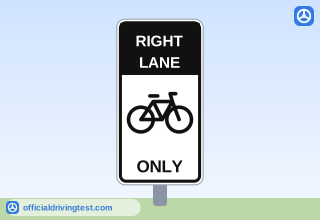
RIGHT LANE ONLY (Bicycle)
The manual does not state it
Manual page 59