Regulatory signs in Wisconsin
The Wisconsin Motorists' Handbook shows or names everything on this page: 23 in all, on pages 18, 24–25, 37–38, 40–41.
Independent educational site · not affiliated with any government agency or DMV
Regulatory signs
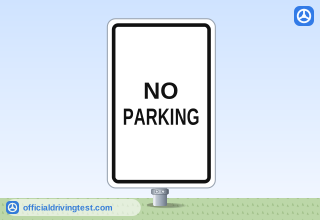
NO PARKING
Make sure there are no “No Parking” signs where you are planning to park.
Manual page 18 · Open this page in the manual (Manual page 18)
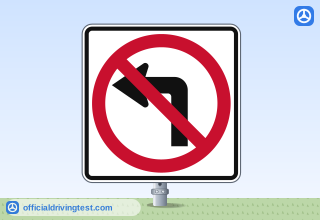
No Left Turn
The sign will point in the direction you are not allowed to turn to.
Manual page 24 · Open this page in the manual (Manual page 24)
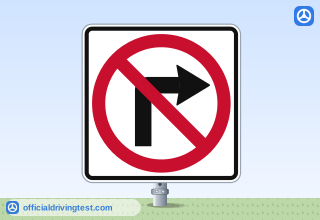
No Right Turn
The sign will point in the direction you are not allowed to turn to.
Manual page 24 · Open this page in the manual (Manual page 24)
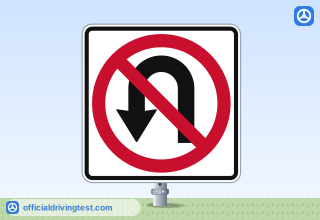
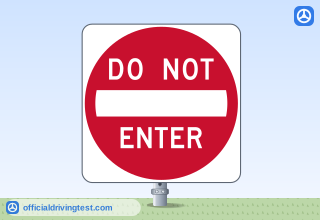
DO NOT ENTER
You cannot enter. This is used on exit ramps going the wrong direction or one-way streets.
Manual page 24 · Open this page in the manual (Manual page 24)
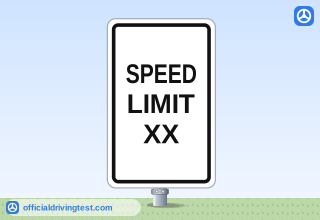
SPEED LIMIT
This indicates the maximum speed you can drive in good driving conditions.
Manual page 24 · Open this page in the manual (Manual page 24)
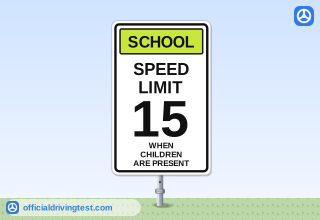
SCHOOL SPEED LIMIT 15
When children are visible you cannot go over the speed listed.
Manual page 24 · Open this page in the manual (Manual page 24)
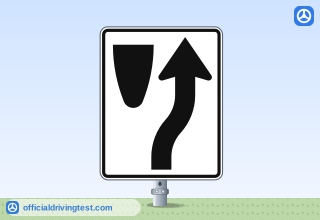
Keep Right
A traffic island or obstacle divides the road ahead.
Manual page 24 · Open this page in the manual (Manual page 24)
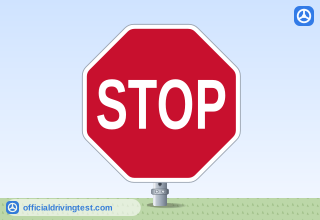
STOP
This sign has eight sides and is red with white letters. You must come to a complete stop and wait until your path is clear before continuing.
Manual page 25 · Open this page in the manual (Manual page 25)
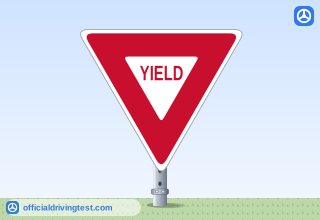
YIELD
A downward pointing red and white triangle with red letters. This sign means that you must yield right-of-way to other vehicles.
Manual page 25 · Open this page in the manual (Manual page 25)
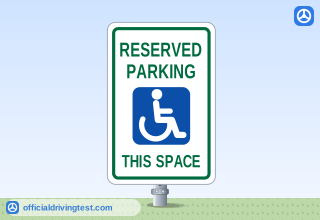
RESERVED PARKING
You are only able to park here if you hold a valid disabled parking identification permit or valid disabled license plate.
Manual page 25 · Open this page in the manual (Manual page 25)
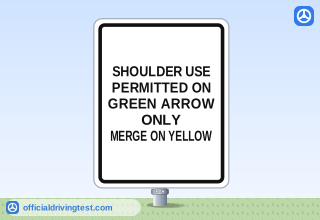
SHOULDER USE PERMITTED ON GREEN ARROW ONLY
This sign gives you general directions on how to use the flex lane. You will see this posted next to the flex lane signs.
Manual page 38 · Open this page in the manual (Manual page 38)
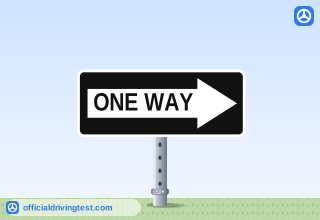
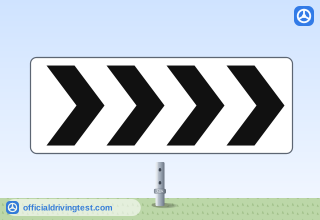
Chevron panel
The manual does not state it
Manual page 40 · Open this page in the manual (Manual page 40)
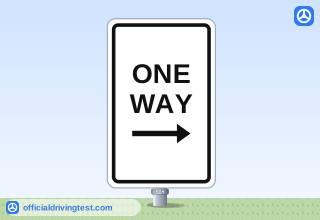
Lane-use control signals
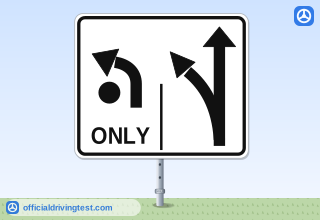
Roundabout lane-use sign (left lane / right lane)
The dot with the left turn only indicates the center of the roundabout. The line on the sign indicates the different lanes. In this example you can only use the left lane to turn left or make a U-turn. You would use the right lane to go straight or turn right.
Manual page 24 · Open this page in the manual (Manual page 24)
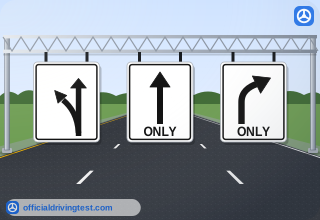
Overhead lane-use sign (left lane)
There are three signs, which means there are three lanes of traffic. In this example the far-left lane is used to go left or stay straight.
Manual page 25 · Open this page in the manual (Manual page 25)
Overhead lane-use sign (middle lane) ONLY
The middle lane is to go straight.
Manual page 25 · Open this page in the manual (Manual page 25)
Overhead lane-use sign (right lane) ONLY
The right lane is to turn right.
Manual page 25 · Open this page in the manual (Manual page 25)
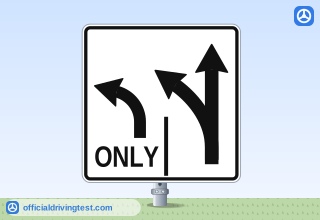
Left Lane / Right Lane lane-use sign
In this example the far-left lane is used to only turn left. The right lane is to turn left or go straight.
Manual page 25 · Open this page in the manual (Manual page 25)
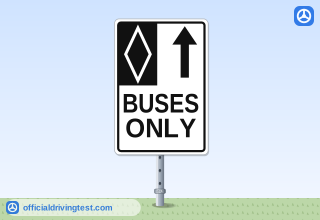
BUSES ONLY
This lane is only for buses.
Manual page 37 · Open this page in the manual (Manual page 37)
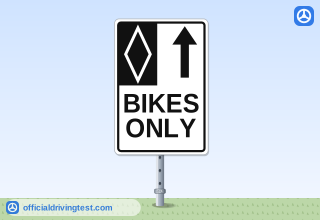
BIKES ONLY
This lane is only for bikes.
Manual page 37 · Open this page in the manual (Manual page 37)
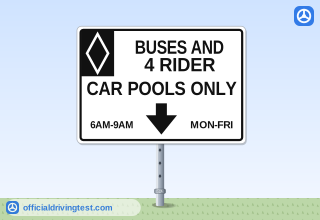
BUSES AND 4 RIDER CAR POOLS ONLY
This lane is for buses and car pools only. Some signs show the hours and days you can drive in this lane. Example: There must be four people in the car. You can only drive between 6 a.m. and 9 a.m., Monday through Friday. Buses are also allowed to drive in this lane.
Manual page 37 · Open this page in the manual (Manual page 37)